A redesigned console#
All of the console's pages now sit in a sidebar and the one you're on opens on a raised panel beside it, set apart by depth instead of divider lines.
Group your work into projects#
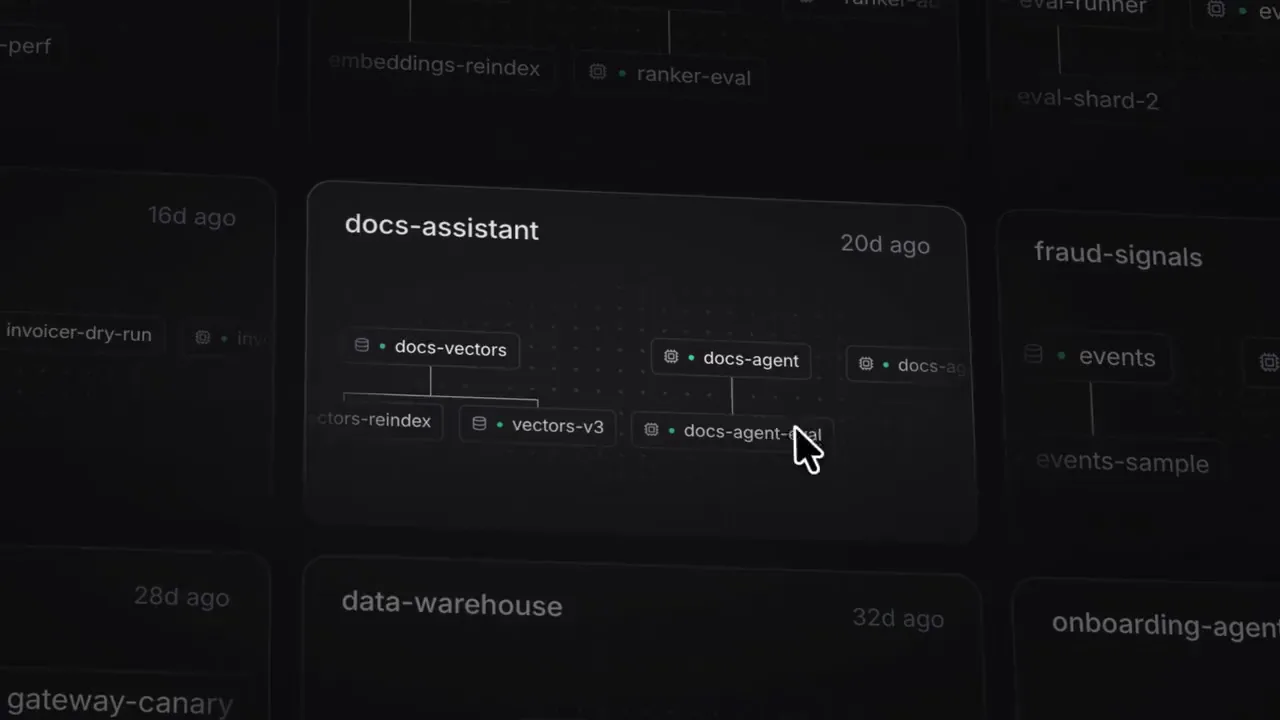
A project works like a tag on a computer or database, grouping it with others by app, customer or task. You can keep creating computers and databases without one. A project's page shows what's in it, what changed and what it costs.
Rebuilt computer and database pages#
Computer and database pages keep what you do with them on the left and their settings and details in a column on the right. Each page now has its own Usage & cost tab.
Give someone access to a project#
Access can now cover one or more projects instead of everything. When you add someone on Access, pick their projects in place of Whole workspace and a role.
Projects in the CLI and MCP#
The CLI and MCP work with projects too. Create one, then create computers and databases in it or move existing ones over.